

Editors do not need a generation that is perfect from frame zero to the final fade. They need a generation that leaves them usable handles, clear action points, and the ability to make the cut land where the story requires it.
Timestamp control—being able to target or protect specific moments inside a continuous generation—changes what an editor can do with AI-generated footage. It does not turn every take into an instantly cuttable master. It reduces one of the most common points of friction I see when a generative clip first lands in the timeline: the action is strong, but it sits in the wrong place relative to the music, the super, or the surrounding live-action.
This piece is a practical look at where timestamp-level control actually helps the cut, where it still falls short, and how to prepare generations so the editor is not left reverse-engineering intent.
What Timestamp Control Actually Gives the Editor
When a model supports targeted adjustment or generation at specific times inside a longer clip, three practical benefits appear for editorial:
The hero moment can be moved or emphasized without discarding the entire take.
Quiet sections or transitions can be protected or regenerated without re-rolling the product lock.
The editor gains clearer in and out points that align with existing music or voice-over cues.
These are real operational improvements. They are most useful when the team has already decided which moments are structurally important and has communicated those moments upstream.
Without that communication, timestamp control simply becomes another way to discover that the generation was optimized for overall coherence rather than for the cut.
Where It Helps Most
Aligning the Hero Beat to Existing Audio
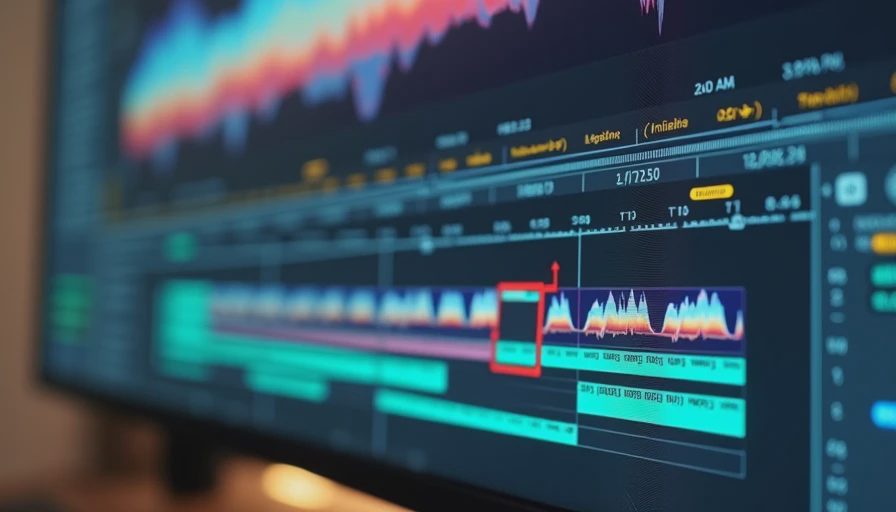
Many commercial cuts are built around music or voice-over that already exists. A thirty-second generative take that peaks three seconds early forces the editor either to compromise the audio or to stretch and compress the picture in ways that usually look artificial.
When timestamp control lets the team re-target the peak action to the correct musical or VO hit, the take becomes usable instead of merely impressive. This is one of the highest-value uses I have seen in practice.
Protecting Product-Critical Moments
If the logo must read clearly at a specific hold, or the product must be in a precise orientation when the super lands, timestamp-level editing can sometimes correct that moment without regenerating the surrounding motion. The editor then receives a clip whose critical frame is already correct rather than a request to “find a way to make it work.”
Creating Cleaner Handles
Even a strong continuous take often needs a few frames of clean entry and exit for the cut. Timestamp control can be used to stabilize or extend those sections so the editor is not forced into an awkward dissolve or a hard cut that feels unmotivated.
Where It Still Falls Short
Timestamp control is not a full editorial toolset.
It does not automatically create multiple angles.
It does not solve fundamental motion that fights the necessary trim.
It does not replace the need for the generation to leave the editor some flexibility in the first place.
If the overall performance is locked too tightly to a single interpretation of the thirty seconds, local timestamp adjustments can introduce new inconsistencies in lighting, product surface, or motion continuity. The editor then inherits a different kind of problem: a fix that looks correct at the target frame and drifts immediately before or after it.
The tool helps most when the original generation was already designed with the cut in mind. It helps least when it is used as a rescue method for a take that was generated with no editorial constraints at all.
How to Prepare Generations So Timestamp Control Is Useful
I ask teams to do three things before generation when the cut is known to matter:
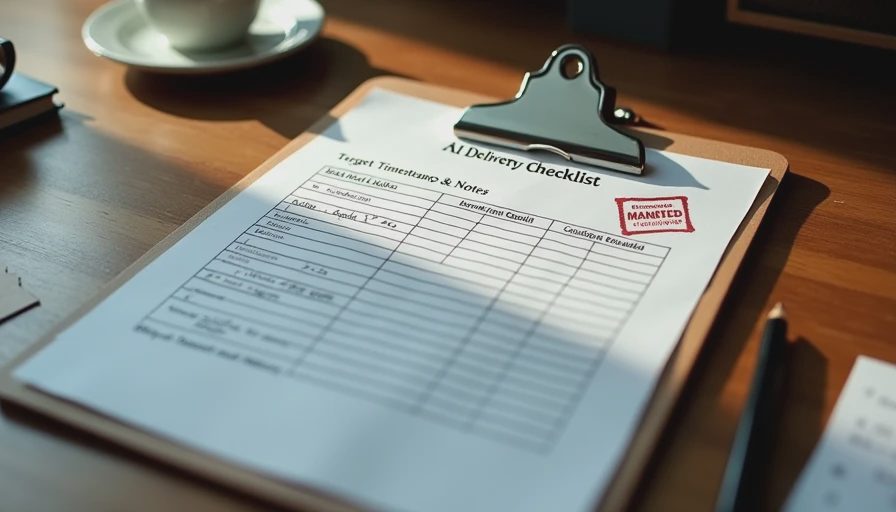
Mark the critical timestamps in the brief or the prep sheet (hero hold, logo readability moment, transition points).
Include those marks in the selection criteria so takes that miss them are not advanced.
Deliver the selected take to the editor with a short note that states which timestamps were targeted or protected and what was already adjusted.
That note is the difference between an editor who can work quickly and an editor who has to discover the limitations by trial and error.
A Practical Example From the Timeline
A team I worked with had a thirty-second product generation that locked the can beautifully and had strong overall motion. The music cue required the product hero moment to land on a specific downbeat. In the original take the moment arrived almost two seconds early.
Because the model allowed timestamp-targeted adjustment, the team was able to re-center the hero action on the correct beat without a full restart. The editor received a clip whose critical frame already matched the audio. The surrounding motion remained coherent enough that only light finishing was required.
An earlier take from the same pilot, generated without any timestamp intent, could not be rescued the same way. The editor had to choose between fighting the picture or fighting the music. Both options cost time.
The difference was not the model’s capability on the day. It was whether the generation had been prepared with the cut in mind.
The dog was not present for the session. Morgan, after hearing the two outcomes, said it sounded like every project in which the early “finished” version was also the one that left the next person the least room to work. She continues to be accurate about these patterns.
What to Do on the Next Job That Must Cut to Existing Audio
Identify the critical timestamps before generation.
Include them in the selection criteria.
Use timestamp control deliberately on the selected take if the original peak is off.
Deliver the file with a note that states what was targeted and what remains flexible.
Ask the editor for a short reaction on whether the handles and action points were actually usable.
The feedback from that last step is the only reliable way to know whether the timestamp work is helping the cut or simply creating a more sophisticated looking problem.
Timestamp control is a useful addition to the toolroom. It becomes part of a workflow only when the generation is shaped for the cut and the editor receives the information needed to trust the result.
If it cannot survive the handoff, it is not a workflow yet.



No letters yet — be the first to write.