
A free ai video generator from text is useful for testing a visual direction, not for promising a finished commercial. Start with Runway for a team exploring an established editing and generation platform, Adobe Firefly for a studio already working in Adobe applications, or Pika for quick, stylized concept exploration. All three have offered free access or credits, but availability, allowances, and commercial terms can change. Check the live plan and terms before scheduling client work.
For a first test, pick one ten-second storyboard moment and try to produce a short usable section, rather than an entire ad. Give an editor the exported file and one revision request. That reveals more about the tool’s fit than a montage of attractive first attempts.
What free access actually gets you
Free usually means limited credits, restricted features, a queue, or some combination of those. A provider may also limit export settings or place a watermark on certain outputs. The important distinction is between free to try and free to deliver: an output that is fine for an internal mood board may not be licensed or technically suitable for a paid campaign.
Before using a free ai video generator from text, check the specific model and plan, not just the vendor’s homepage. Record whether credits renew, what a generation costs, whether failed attempts consume credits, and whether downloads carry a watermark. If a particular feature routes through a third-party model, read the applicable terms for that feature as well.
Runway is a sensible starting point when the team wants to evaluate generation alongside other creative tools. Firefly deserves a look when an Adobe-centered team wants to examine how generated assets fit its existing workflow. Pika is worth considering for concept clips where visual experimentation matters more than a tightly controlled product shot. These are starting points, not a ranking of their present free plans or output quality.
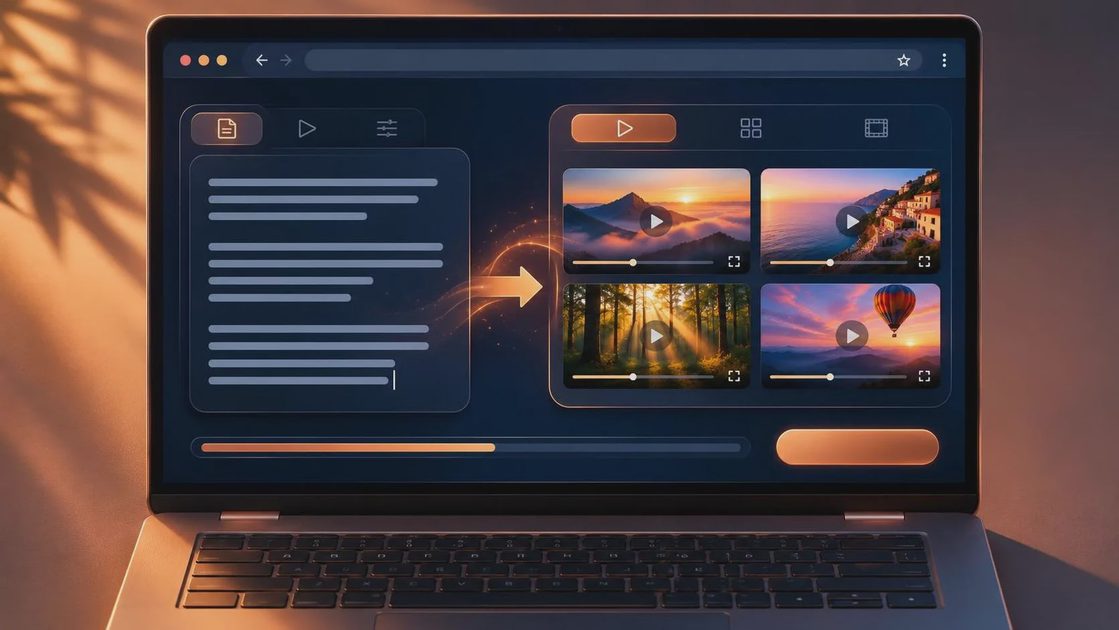
For Seedance 2.5 specifically, verify the provider, actual model name, access route, and terms before including it in the comparison. Availability and free access can differ by platform. A vendor using a familiar model name does not automatically give your team the same export options, data handling, or commercial rights as another vendor.
Set up a test that exposes the weak points
Choose a shot that resembles the intended job: for example, a generic beverage bottle on a table with a slow camera move, intended for a social cutdown. Do not upload the client’s actual packaging or confidential boards until the team has cleared the provider’s data terms. A generic stand-in lets you evaluate motion and composition without exposing the brief.
Write one concise description covering the subject, action, setting, camera movement, and lighting. Add the intended aspect ratio and target duration in the interface if those controls are available. Generate several candidates within the free allowance, and save the exact prompt and settings with each file. If the tool offers a seed or other repeatability setting, record it, but do not assume it will reproduce an identical shot after a model update or setting change.
Judge candidates at normal playback speed and frame by frame. Look for shifting labels, changing object geometry, hands that merge with props, lighting that jumps, and motion that cannot be cut cleanly. A shot can look convincing on a phone and still fail when a finishing artist has to track a graphic onto it.
Then issue a realistic review note: keep the camera move, but make the background less busy. Try the available revision controls and compare the result with the original. If the change alters the object, timing, or framing, log that as rework. A fresh generation may be a new creative option, but it is not necessarily a revision of the approved shot.
Count labor, not just credits
A useful test budget includes selection, review, cleanup, and export checks. As a planning exercise, reserve 30 minutes for setup and generation, 20 minutes for selects, and 30 minutes for an editor to inspect and assemble the strongest clip. Add time for revisions separately. These are trial allocations, not performance benchmarks; record the actual minutes and expand the schedule if the shot demands more.

Track service spend alongside staff time. A simple internal calculation is hours spent multiplied by the relevant loaded labor rate, plus any paid credits or subscription charges. Include unsuccessful generations and the time spent waiting if it affects the schedule. Free credits can make the invoice zero while the production cost is very real.
If credits run out before the revision test, do not call the tool production-ready. Either approve a small paid test under the same brief or stop and compare another route. A low-cost trial that reaches editorial handoff is more informative than a free test that ends at the first appealing frame.
Check the file and the rights before client review
Download the actual output rather than judging only the browser preview. Check its pixel dimensions, frame rate, duration, codec, and watermark status against the delivery specification. Import it into the project’s editing system, confirm playback and aspect ratio, and note whether scaling or frame-rate conversion is needed. A generated clip may need conventional finishing before it belongs in a timeline.
Give the editor the source file, prompt, generation settings, provider and model identifier, date, and any relevant reference assets. Use a clear version name and keep the original download untouched. If the shot goes to compositing, also pass along the intended crop and the elements that must remain stable. Do not assume the file contains separate layers, an alpha channel, or a clean camera track.
Before sharing externally, have the appropriate production or legal contact review commercial-use permissions, input rights, output restrictions, and the provider’s handling of uploaded material. Confirm what the client contract requires around AI disclosure and third-party tools. Vendor terms can change, and a free account may carry different conditions from a paid agreement.
When to use a free ai video generator from text
Use this approach for internal exploration, rough boards, or a narrowly scoped proof of concept where an imperfect shot will not block the schedule. Wait before promising a final hero shot that depends on exact branding, repeatable product geometry, precise continuity, or multiple rounds of controlled changes. Those requirements need a successful test and an approved fallback, such as conventional photography, animation, or compositing.
This week, run the same brief through one available free plan, send the best export and one change request to an editor, and log the time to a usable result. If it cannot survive the handoff, it is not a workflow yet.



No letters yet — be the first to write.