
An ai video creator can produce an impressive first shot in minutes. That is useful, but it is not the same as having a dependable commercial video workflow. The real test starts after generation: can the team match a reference, track versions, respond to client notes, repair continuity, and deliver files that editorial, compositing, color, and sound can actually use?
My conclusion is straightforward. Treat an ai video creator as a shot-development tool until it has passed a complete handoff test. It can reduce the cost of early visual exploration, especially for mood films, product concepts, transition ideas, and rough boards. It should not be treated as a replacement for a production plan, an experienced operator, or finishing supervision.
Start with a delivery scenario, not a prompt
Before opening a generation interface, define the shot’s job. A six-second product insert has different requirements from a fifteen-second character performance or a social cutdown designed for several aspect ratios. Write down the intended duration, frame shape, camera movement, subject position, lighting direction, required brand elements, and what must remain unchanged between versions.
This preparation usually takes 30 to 60 minutes for a small test. It can save several hours of random generation. Gather approved reference stills, product photography, rough boards, logo files, and any restrictions on color, wardrobe, location, or motion. If the client has approved a specific package design, do not assume the model will preserve its label accurately. Plan for replacement, cleanup, or a different production method.
A useful brief also names the failure tolerance. A background crowd can be approximate in an exploratory mood piece. A hero product, hand interaction, face, or legal disclaimer cannot. This distinction keeps the team from judging every result by the same standard.
What the generation test should measure
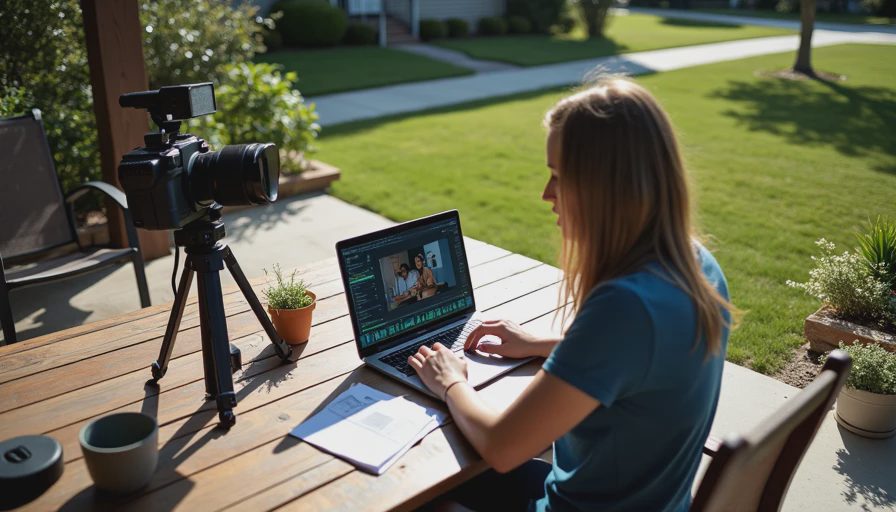
A credible ai video creator evaluation is not a gallery of the best three outputs. It is a controlled test with a fixed brief, a prepared reference set, and a record of failed attempts. For a small commercial concept, I would budget one half-day for setup and generation, then another half-day for selection and cleanup. Service or compute charges may be modest, but operator time is usually the larger cost.
Generate several variations while changing one variable at a time. Test camera motion, subject movement, lighting, and reference strength separately. If everything changes at once, the team cannot tell whether the result improved because of a better instruction, a lucky seed, or a different composition.
Record the version number, input references, settings, output dimensions, duration, and reason for rejection. Common rejection reasons include unstable hands, drifting product geometry, unreadable text, inconsistent eye lines, unwanted camera acceleration, and a background that changes between frames. A spreadsheet is enough. The goal is repeatability, not ceremony.
The best output should then be placed beside the approved reference and viewed at the expected delivery size. A result that looks convincing in a browser preview can reveal warped edges, temporal flicker, or muddy detail when enlarged for a review session.
Where the workflow usually breaks
The first break is often continuity. An ai video creator may establish an attractive opening frame but lose the identity of a product or performer as motion develops. A second break is revision. A client may ask for a slower camera move, a different background color, or a product shifted toward frame right. If the only way to make that change is to regenerate the entire shot, the team has a schedule problem rather than a creative shortcut.
The third break is ownership of cleanup. Someone must remove artifacts, rebuild a logo, stabilize a face, paint unwanted objects, conform the shot to editorial, and label the approved version. Those tasks can take 20 minutes for a minor repair or several hours for a complicated composite. Assigning them after the generation sprint creates avoidable conflict between the producer and finishing team.
Keep source material organized in a shared location with clear permissions. Reference assets may contain confidential packaging, unreleased designs, or licensed imagery. Confirm how the chosen service handles uploads and retention before sending client material. A visually strong test is not production-ready if the asset path is unacceptable.
The client review and finishing handoff
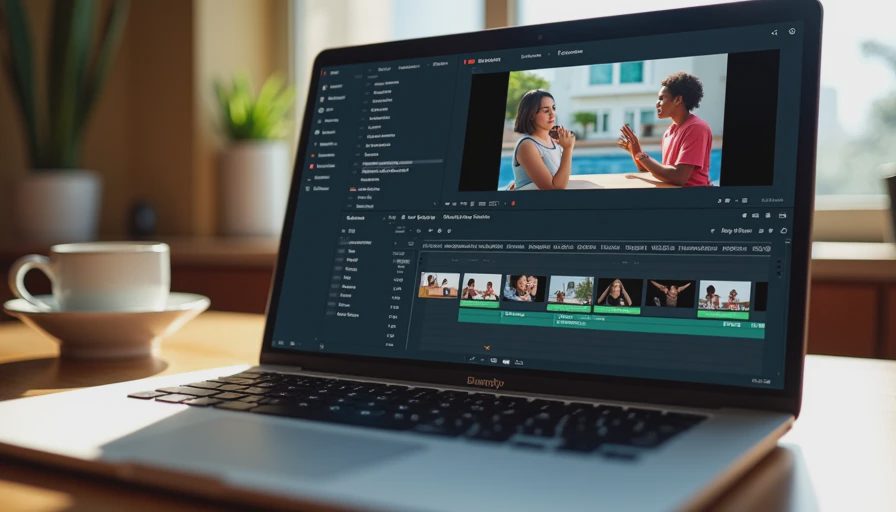
Client review should happen with context. Show the approved brief, the selected version, known limitations, and the specific question the client needs to answer. Asking, “Do you like it?” invites broad subjective notes. Asking, “Is the camera speed, product position, and color direction acceptable for the next cleanup pass?” produces actionable feedback.
An ai video creator can make version volume cheap, which sometimes makes review worse. Stakeholders receive twelve near-identical options and start comparing accidental details instead of judging the concept. Limit the review set to a small number of clearly labeled candidates. Include a contact sheet or short reel, but preserve the full-resolution source for technical inspection.
For handoff, deliver more than an MP4. Include the selected source, an editorial reference export, frame rate and resolution information, clean plates if available, masks or mattes created during cleanup, and notes about unresolved artifacts. If the shot will enter After Effects, Nuke, DaVinci Resolve, or Premiere Pro, confirm whether the team needs an image sequence, alpha channel, tracked camera data, or separate elements. Do not promise those items if the generation system cannot provide them.
A practical cost and schedule model
For a small team, a sensible pilot might include one producer or creative lead, one operator, and limited support from an editor or compositor. Plan one hour for the brief and references, two to four hours for generation, two hours for selection and documentation, and two to six hours for cleanup depending on the shot. Add a review cycle rather than presenting the first attractive result as final.
This model makes the hidden labor visible. A tool subscription might cost less than a traditional shoot, but the savings disappear if the team generates hundreds of unusable variations or repeats cleanup after every client note. The strongest use case is often previsualization or a tightly bounded shot where the visual target is clear and the repair path is known.
An ai video creator is less suitable when the job depends on precise legal copy, exact product geometry, synchronized dialogue, long continuous action, or many shots sharing strict character continuity. In those cases, use the tool for boards, references, or isolated inserts while keeping conventional production and post methods available.
The first move for your team
Run one controlled test this week using a real but low-risk shot. Choose a six- to ten-second concept with approved references and a defined delivery format. Set a two-hour generation limit, retain every rejected version, and ask an editor or compositor to review the selected file before client presentation. Measure not only generation time, but also preparation, selection, cleanup, review changes, and export.
Then write a short decision record: what worked, what failed, what required manual repair, and which revision requests could be completed without starting over. That document is more valuable than a collection of beautiful samples because it tells the next producer what the workflow can actually support.
Use an ai video creator when it removes a defined bottleneck, not simply because it can produce motion. If the result reaches editorial with clear sources, manageable revisions, and an honest cost, expand the pilot. If it collapses at reference matching or client review, narrow the use case instead of forcing it into the entire pipeline. If it cannot survive the handoff, it is not a workflow yet.


No letters yet — be the first to write.