
Yes, you can try ai image to video free, but treat the result as a production test, not a free finished commercial. Start with one approved still and a short, low-risk motion brief. Runway is a sensible place to investigate for teams that want a broader creative workspace; Pika is worth checking for quick visual concepts; and Luma Dream Machine is an option for teams exploring image-driven motion. Free access, credits, features, and usage rights change, so verify each provider’s terms before committing a client deadline.
My recommendation: use a free allowance to answer one narrow question—can this still become a usable shot without damaging the subject? Budget separately for the human work of selection, review, cleanup, and delivery. A successful preview does not establish that you can reproduce a shot after the client changes the label.
Where ai image to video free fits in a production
The strongest early use is a temporary or exploratory shot: a mood film, internal pitch, or motion reference for an editor. A locked-off product still with a gentle change in lighting is a better first candidate than a close-up with readable packaging, interacting hands, and precise choreography. The more details that must remain exact, the more likely someone downstream will need to repair or replace them.
Before uploading, confirm that the team has permission to use the image and that the provider’s terms allow the intended use. Look for restrictions on commercial output, ownership or licensing, retention, model training, and sharing. A free plan may have different terms from a paid plan. Do not assume that a public-facing privacy statement answers every question about confidential client assets.
Check the practical limits too: available generations, output resolution, duration, watermarking, queue access, and whether downloads are available on the free tier. Availability can vary by account and region. If a tool requires payment before you can export the kind of clip you need, count that as a paid production path even if a preview is free.
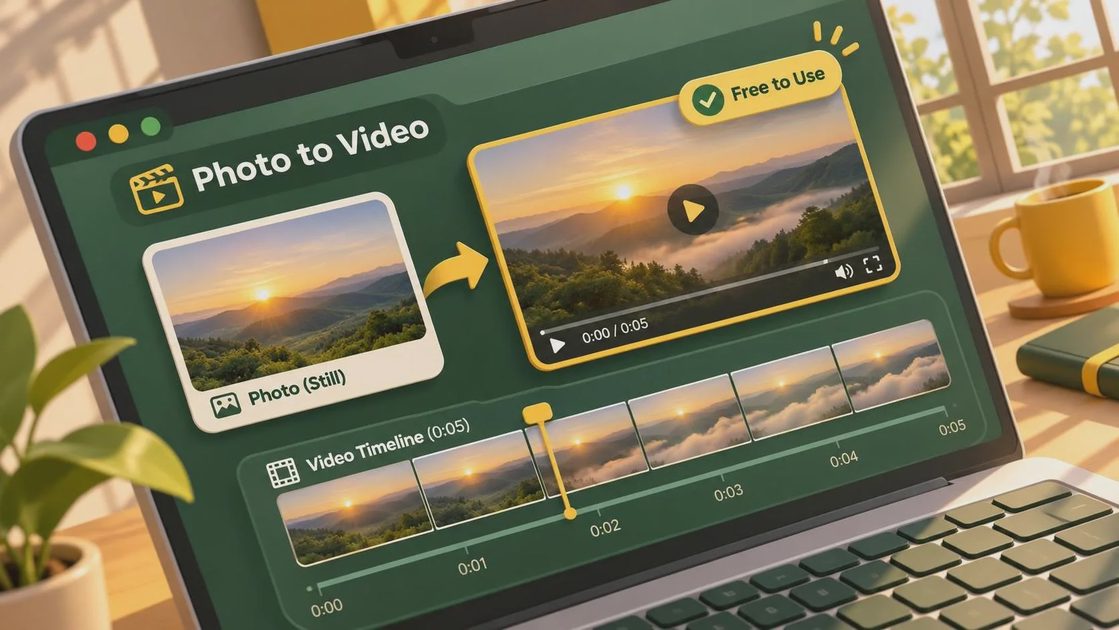
Prepare a still that can survive motion
Choose one image with a clear subject, adequate resolution for the intended frame, and room around the edges. A tightly cropped object gives a simulated camera move little space to work with. If the frame contains small text, a trademark, or a critical product detail, plan to inspect it frame by frame rather than assuming the model will preserve it.
Make a working copy in the intended aspect ratio. Record the source file, crop, color treatment, and any retouching. If the approved artwork must remain exact, keep the original logo or label on a separate layer so a compositor has a clean reference or replacement. That does not guarantee a straightforward fix: perspective changes, reflections, and occlusion can make tracking and compositing expensive.
Write a brief that separates fixed elements from desired movement. For example: keep the bottle and label position stable; introduce a slow light shift across the background. That gives the reviewer a reason to reject a clip where the light looks attractive but the label changes. Avoid requesting several camera and object movements at once on the first pass; you need to know which change caused a failure.
Run a controlled test, not a beauty contest
Use the same source image and motion brief across the options you evaluate. Confirm that each tool is actually using the still as an image-to-video input, not merely generating a new image from a text description. Settings and interfaces differ, so document the controls you used instead of assuming equivalent settings produce equivalent conditions.
Generate a small batch within the available allowance. Save every output with the tool, date, source version, settings, and attempt number. Include failures: a beautiful selected clip tells the producer little about the effort required to get another one. If the tool exposes a seed or other reproducibility setting, record it, but do not promise a client that it guarantees an identical revision.
Review the clip at normal speed first, then pause through the beginning, middle, and end. Look for shape changes, warped text, unstable edges, shifting reflections, and unwanted motion in supposedly fixed objects. Check whether the first and last frames give the editor enough usable material for the planned cut. A shot that works only in the middle may still be useful, but it needs to be marked that way.
Price the work around the free generation
A zero-dollar generation charge is not a zero-cost shot. For a small exploratory test, set aside a working session for preparing the image, generating options, and reviewing exports. Then track actual time rather than treating that initial estimate as a quote. A producer, editor, and compositor may each touch the same few seconds of footage, particularly when the source contains protected artwork or detailed reflections.
Log paid upgrades or extra credits separately from labor. Also record failed attempts, download restrictions, and any watermark removal requirement. When a stakeholder asks for a new crop or a product change, note whether the team can reuse an approved element or must generate and review the shot again. That distinction matters more to a schedule than the cost of one successful preview.
For commercial delivery, wait for a paid or contracted workflow if the free terms do not clearly support the usage, confidentiality, or output requirements. Legal review may be necessary when a client’s agreement sets stricter conditions than the vendor’s standard terms. Keep licensed source assets and approvals with the project record; an attractive generated clip does not resolve questions about the input rights.
Hand the result to editorial and review
Give the editor the original export, the source still, the selected in and out points, and the intended frame rate and aspect ratio. Note whether the clip is a concept, a client-review version, or approved for finishing. If conversion, upscaling, stabilization, or a logo replacement is needed, assign an owner rather than burying that work in the delivery note.
Ask stakeholders to approve both motion and subject fidelity. A useful review note identifies the time, the visible problem, and the priority: for example, the label changes near the end and must match the approved artwork. General feedback such as “make it feel better” is difficult to turn into a controlled revision, especially when regeneration may change unrelated details.
This week, take one nonconfidential, approved still through that complete chain and ask an editor or compositor to assess the export. Record the elapsed effort and the unresolved defects before proposing the approach for a deadline. If it cannot survive the handoff, it is not a workflow yet.



No letters yet — be the first to write.