
An ai video summarizer is useful when a production team needs to understand a long recording quickly, but the tool is not the workflow. A generated paragraph can identify a client’s main concerns, locate a discussion about product claims, or reduce a two-hour review session to a searchable set of notes. It can also miss a critical qualification, confuse speakers, or turn an unresolved suggestion into an apparent decision.
The practical conclusion is straightforward: use an ai video summarizer as a first-pass review assistant, not as the authority on what was approved. The difference matters when a campaign has several stakeholders, multiple versions, and a delivery deadline that leaves no room for a mistaken interpretation.
Where an AI Video Summarizer Actually Helps
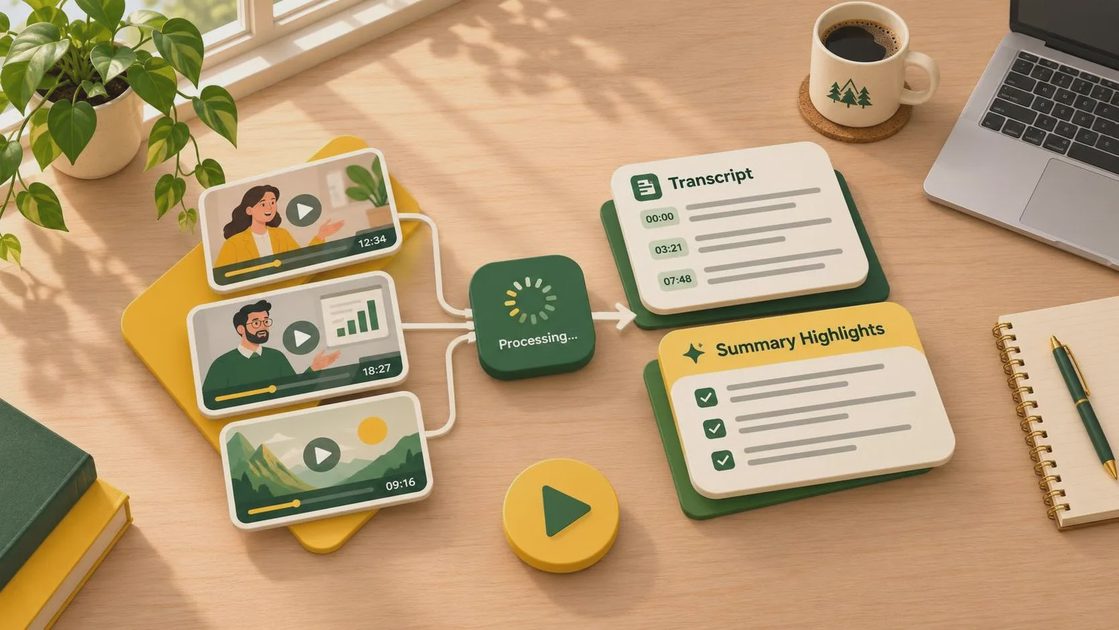
The strongest use case is information triage. An editor, producer, or creative technology lead can upload a meeting recording, interview, screening session, or reference video and receive a rough outline. That outline can reveal where a product benefit was discussed, which timestamps contain client notes, and whether a supposedly important sequence appears at all.
For a 90-minute review, a good first pass might save 20 to 40 minutes of searching. That is not the same as removing 90 minutes of human attention. Someone still needs to verify the source, listen to ambiguous passages, and separate firm notes from casual conversation. The savings come from reducing scrubbing and note-taking, not from eliminating judgment.
A useful ai video summarizer should provide timestamps, chapter headings, speaker separation, searchable transcripts, and an export that another role can open. A polished paragraph without source locations is difficult to use in editorial or client services. If a summary says “the client rejected the close,” a producer needs to jump to the exact exchange and hear whether that was a final decision or a concern raised for discussion.
The same principle applies to interviews. Summaries can help a producer find a strong answer, flag repeated points, and create an initial paper edit. They should not decide which quote is legally safe, factually accurate, or emotionally appropriate for the final cut.
Test the Tool on Your Own Review Material
Do not evaluate an ai video summarizer with a clean demonstration clip. Use a real but authorized sample that contains the conditions your team handles every week: overlapping speakers, room noise, brand names, timecode references, unfinished sentences, and at least one disagreement.
A practical test set is three recordings. Use a short internal review of 20 to 30 minutes, a longer client call of 60 to 90 minutes, and an interview with imperfect audio. Keep the original files, then record four measurements: processing time, transcription errors, missing decisions, and time required to verify the output. Also note whether the tool preserves speaker names and whether exported timestamps remain accurate after downloading.
One common failure is false certainty. A speaker may say, “I am not sure we should use that line,” while the summary records “the team decided not to use that line.” Those statements have very different production consequences. Another failure appears with references such as “the second version” or “the shot after the logo.” Without visual context or accurate timestamps, the summary can point a team toward the wrong asset.
Run the test twice if the service offers different transcription or analysis settings. A faster setting may be adequate for internal sorting, while a higher-accuracy mode could be justified for legal, compliance, or executive review. Record the labor cost as well as the subscription price. A $30 monthly tool that creates an hour of correction work is not inexpensive in a busy post schedule.
Build the Summary Into the Handoff
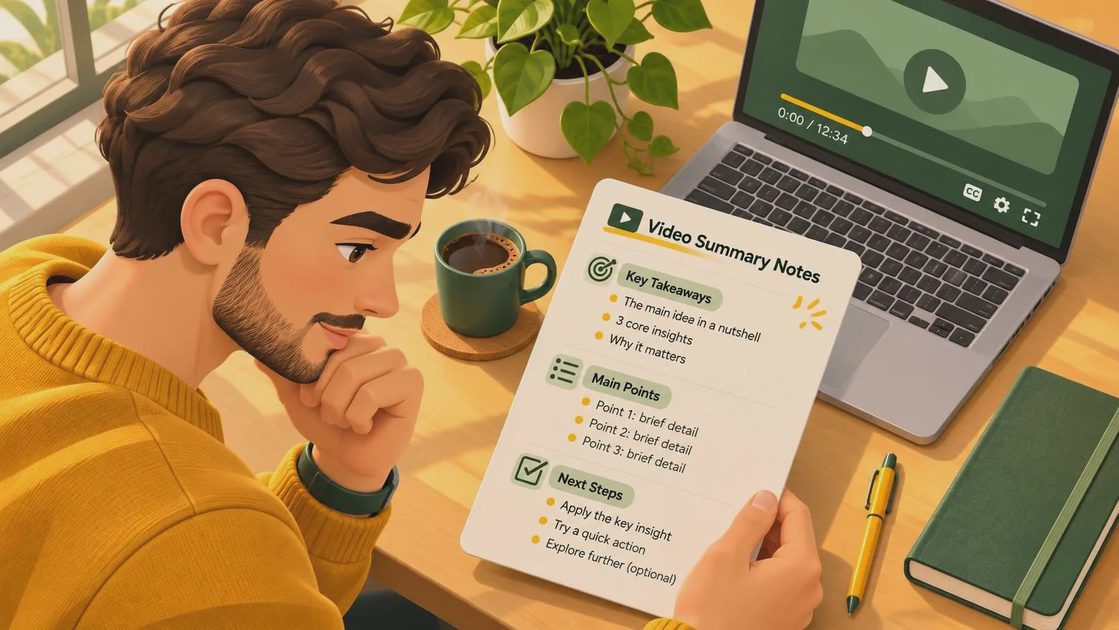
An ai video summarizer becomes more valuable when its output follows a consistent handoff format. Ask for a short overview, a timestamped outline, open questions, explicit decisions, and unresolved notes. Keep the original transcript attached. The summary is an index into the source, not a replacement for it.
For example, a review package might contain a PDF with five sections: project status, approved changes, requested changes, unanswered questions, and timestamps. A producer can transfer approved changes into a task tracker, while an editor can open the relevant moments without reading several pages of prose. A post supervisor can compare the summary against the version number and confirm that notes apply to cut 03 rather than cut 02.
This is where an ai video summarizer should connect to existing tools rather than create another isolated document. Exports to Google Docs, Notion, Slack, Frame.io, or a production management system can reduce copying. However, automation needs a checkpoint. A note should not become an assigned edit task until a person confirms the wording, owner, priority, and source timestamp.
Treat naming as part of the workflow. Use a file name such as BrandFilm_Cut03_ClientReview_2025-03-14, preserve the source link, and identify who verified the notes. Labels like “possible change” and “approved change” should not be interchangeable. A tidy folder cannot repair an ambiguous decision, but clear status labels prevent many avoidable revisions.
Privacy, Accuracy, and Revision Risk
Before uploading material, determine what the service stores, how long it retains files, whether data is used for model training, and which team members can access the results. Client recordings, unreleased campaign footage, talent interviews, and product information can carry contractual restrictions. A tool with strong transcription accuracy is still a poor fit if its data handling fails your company’s review.
An ai video summarizer also needs a plan for sensitive passages. Some teams should remove confidential sections before analysis. Others may need an enterprise agreement, regional processing controls, or a self-hosted option. Do not assume a deleted project disappears from every backup or logging system. Confirm the retention terms in writing and involve the person responsible for client data.
Accuracy testing should continue after the first deployment. Compare summaries against source recordings during the first several projects, especially when accents, jargon, crosstalk, or music are common. Make a correction log with examples such as misheard product names, incorrect speaker labels, and missing negations. This creates evidence for deciding whether the tool is improving review or simply moving correction work downstream.
Who Should Use It and Who Should Wait
Small production teams with frequent interviews, internal reviews, and long stakeholder calls can gain immediate value. A producer who spends every Friday searching recordings for notes may recover several hours per month. Agencies managing multiple brands can also use summaries to standardize review packages across account teams.
Teams should wait before using an ai video summarizer for unattended approvals, legal records, or final compliance decisions. They should also wait if nobody owns verification. The tool is not a substitute for an editor who understands continuity, a producer who knows the brief, or an account lead who can interpret client intent.
The best starting point is a narrow pilot: one project, three recordings, one export format, and a named reviewer. Compare the time spent before and after adoption, then count corrections and missed decisions. If the tool reduces search time without increasing rework, expand it to adjacent review tasks. If it produces confident but unreliable notes, stop and change the test conditions before adding more automation.
Start this week by selecting one authorized review recording and writing down what a successful summary must contain. Include timestamps, decisions, unresolved questions, speaker labels, and a link to the source. Then verify every major note against the recording before anyone treats it as an instruction. An ai video summarizer can shorten the path to useful information, but the handoff still belongs to people. If it cannot survive the handoff, it is not a workflow yet.



No letters yet — be the first to write.